IBM WebSphere - Parallel start application server

by
Jeremy Canfield |
Updated: March 08 2020
| IBM WebSphere articles
Selecting the "Parallel start" option may reduce the time it may take for an applications in a WebSphere application server to start.
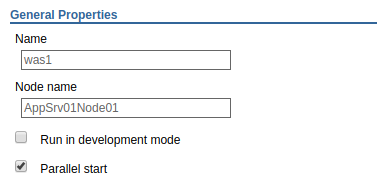
By default, this option is enabled. This option will cause the application server to start multiple threads. When disabled, a single thread will be used. You can either configure the entire application server to parallel start or you can configure a single application to parallel start.
Parallel start - Application Server
- In the WebSphere admin console, select Servers > Server Types.
- Select your application server.
- Checkmark Parallel start.
Parallel start - Individual application
- In the WebSphere admin console, select Applications > All applications.
- Select an application.
- Select Target specific application status.
- Select an application server.
- Checkmark Parallel start​.
Did you find this article helpful?
If so, consider buying me a coffee over at