ServiceNow - Delete an Application using Studio

by
Jeremy Canfield |
Updated: January 31 2024
| ServiceNow articles
These are just my personal notes as I was working through the New to ServiceNow training modules
In ServiceNow Developer, apps can be created using:
Let's create an application and then delete it right away, just to see how to delete an application.
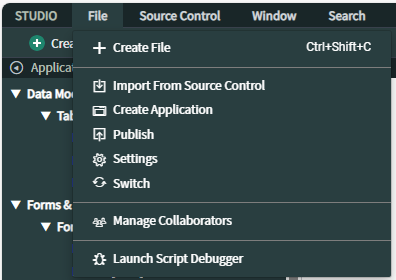
In ServiceNow Developer, select All > Studio. In Studio, select File > Create Application.
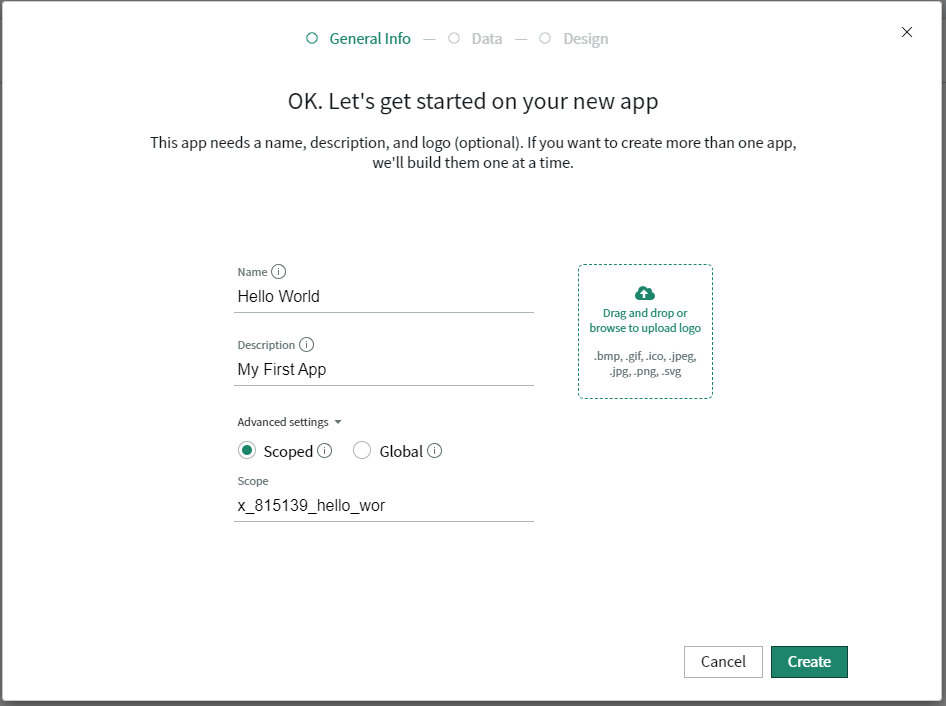
Give your app a name and select Create.
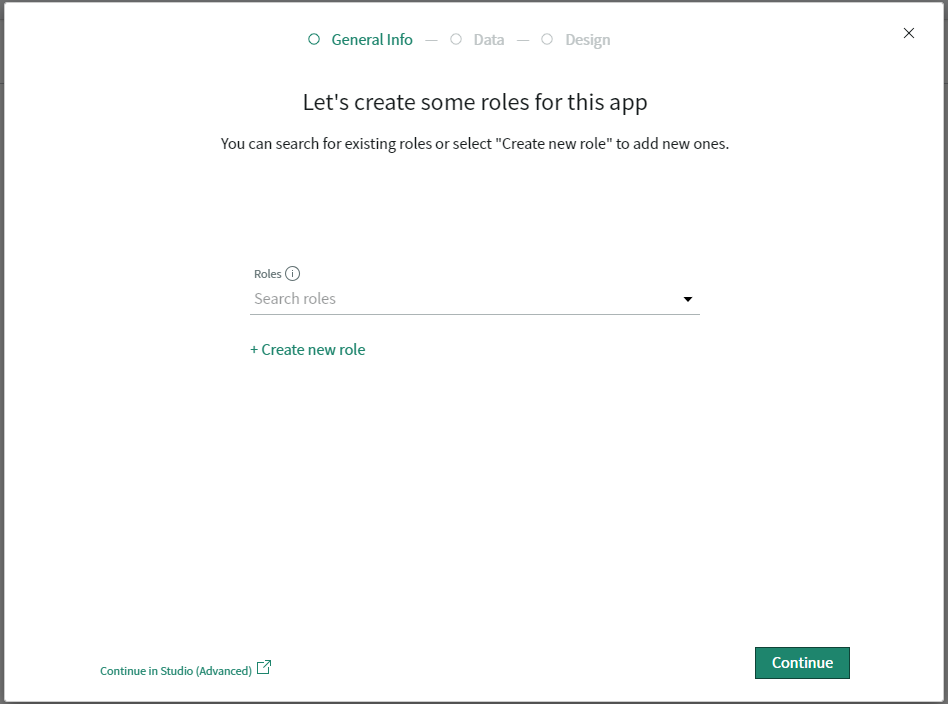
Notice at the bottom of the next window is a link Continue in Studio (Advanced). Click this link.
Select File > Settings.
Select Delete.

When prompted, enter delete in the pop-up box and select OK.
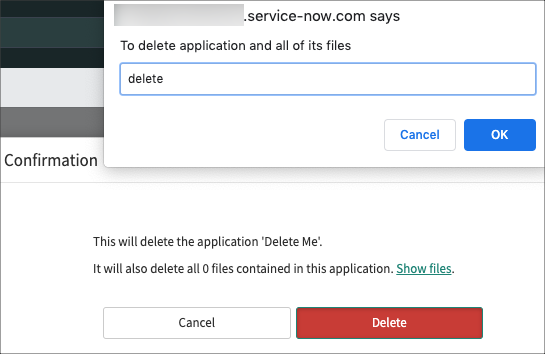
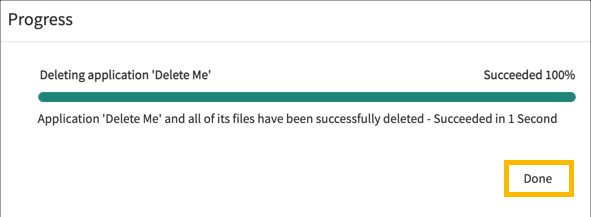
The application should now be deleted.
Did you find this article helpful?
If so, consider buying me a coffee over at 