Amazon Web Services (AWS) - Getting Started with the AWS CLI on Windows

by
Jeremy Canfield |
Updated: June 01 2025
| Amazon Web Services (AWS) articles
Start by downloading the latest AWSCLIV2.msi file.
https://awscli.amazonaws.com/AWSCLIV2.msi
In a command line prompt, run the following command to install the AWS CLI.
msiexec.exe /i https://awscli.amazonaws.com/AWSCLIV2.msi
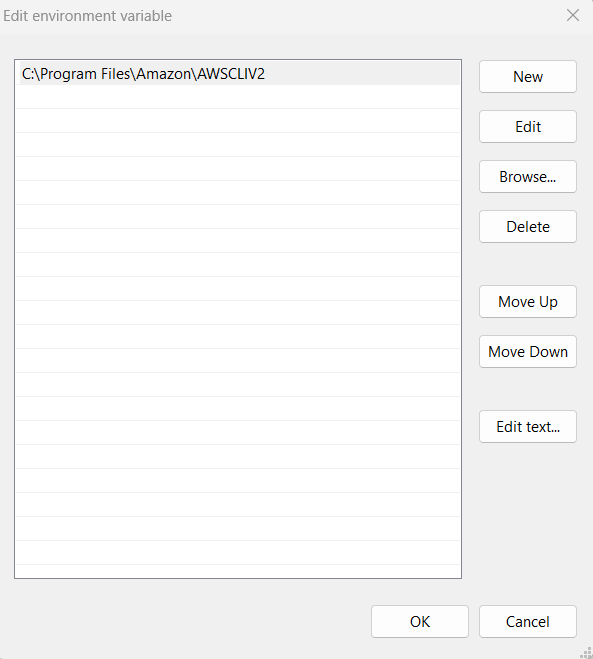
Almost always, you will need to update your PATH environment variable to include the directory to the AWS cli which by default should be C:\Program Files\Amazon\AWSCLIV2.
Close your command line prompt and then open a new command line prompt and issue the aws --version command. Something like this should be returned.
C:\> aws --version
aws-cli/2.31.14 Python/3.13.7 Windows/11 exe/AMD64
Did you find this article helpful?
If so, consider buying me a coffee over at 